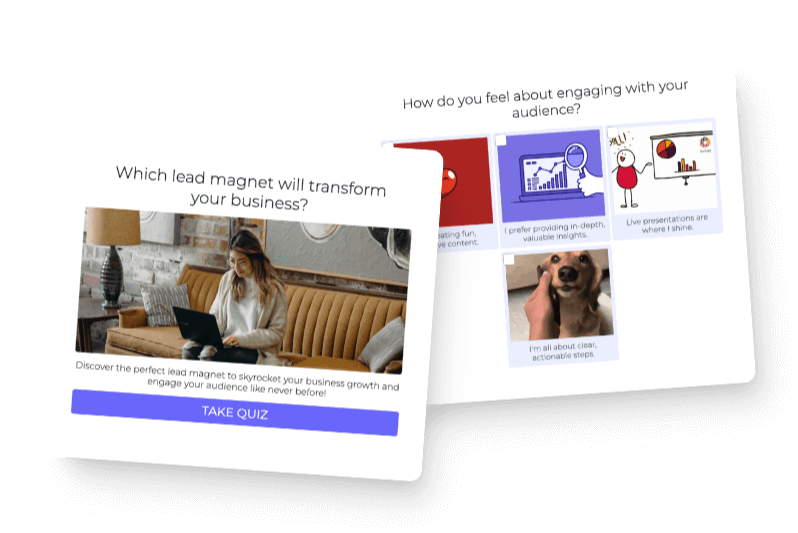

For years, when someone finished one of your Interact quizzes, they got a single result. A personality type, a product recommendation, a tier. That one label told them something about themselves, which is why quizzes work so well. People love learning about themselves.
But what if your audience is complex? What if the real insight isn’t a single label, but a full picture?
That’s the problem we set out to solve with our new Categories Quiz, and I think it’s the most powerful quiz type we’ve ever built.
What a Categories Quiz actually does
Here’s the difference in plain terms.
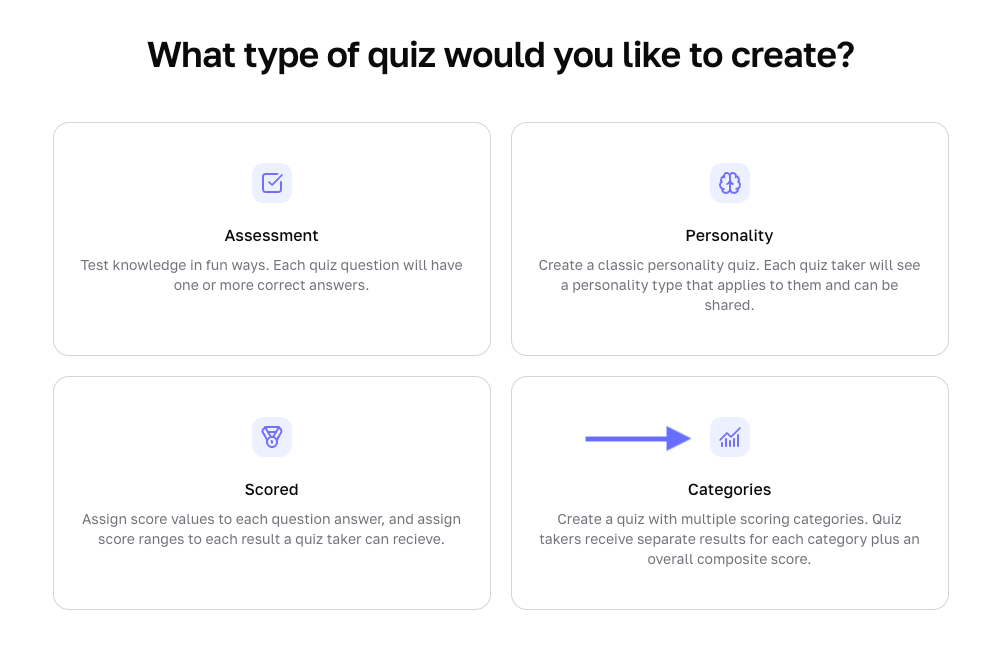
A regular scored quiz gives you a number. You hit a threshold, you get a result. Simple, effective, but limited. A Categories Quiz gives your audience a result for each area you’re measuring, plus one overall result that wraps everything together.
Think about what that means in practice. If you’re a business coach and you build a quiz to assess your clients’ operations, you’re not really asking one question. You’re asking five. How’s their strategy? How’s their revenue? How are their systems? A standard quiz collapses all of that into a single score. A Categories Quiz keeps it separated, so the person walking away doesn’t just know they’re a “Developing Owner” overall. They know they’re a Core Strength in leadership but a Critical Gap in financial management.
That’s the kind of specificity that actually changes behavior. And it’s the kind of insight that makes your quiz worth sharing.
Why this quiz type works so well for lead generation
One thing we’ve noticed from 100 million+ quiz completions on Interact is that the more personally relevant the result feels, the more the quiz taker wants to share it.
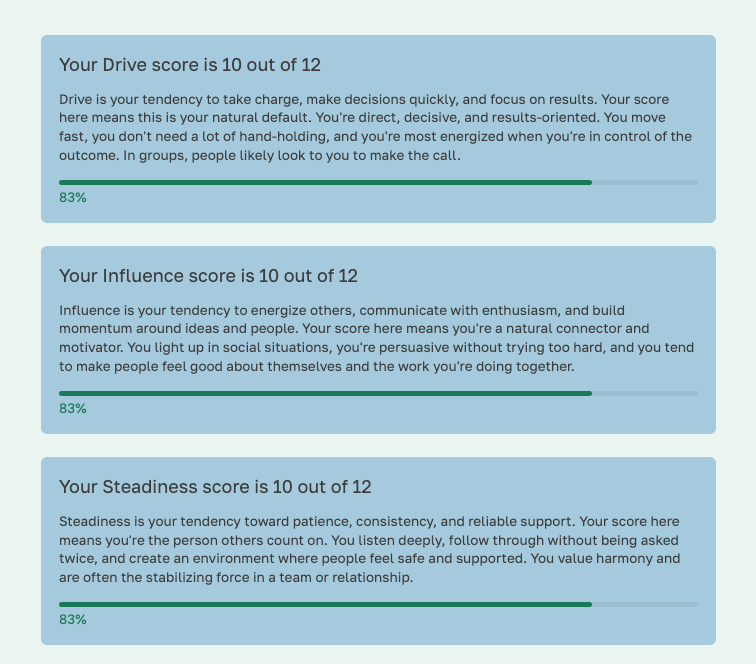
A personalized breakdown by category feels like a real assessment. It feels like something a consultant would charge for. When your audience gets that at the end of a quiz, two things happen:
- They trust you more, because you gave them something genuinely useful
- They’re more likely to share it, because the result is specific enough to feel worth showing someone
That’s the feedback loop that makes great quizzes grow on their own.
The audiences this is built for
We’ve been thinking about which creators and businesses this quiz type is made for, and the pattern is pretty clear: it works best when your audience is trying to evaluate themselves across multiple dimensions.
Coaches and consultants. If you’re in the business of helping people improve, a Categories Quiz gives you a diagnostic tool that your audience can take before they ever talk to you. By the time they reach out, you both already know where the gaps are.
Service providers. Instead of a generic “what’s your marketing type” quiz, you can build a real assessment of your client’s situation, covering their content, their strategy, their tech stack, and deliver a breakdown that points directly at the services they need.
Educators and course creators. Imagine a quiz at the start of a course that tells students which modules matter most for them. Categories make that possible.
Anyone with a complex offer. If you’ve ever struggled to explain everything your product or program covers, a quiz that shows results across five categories does a lot of that work for you.
What the result page looks like
This is where things get interesting from a design standpoint.
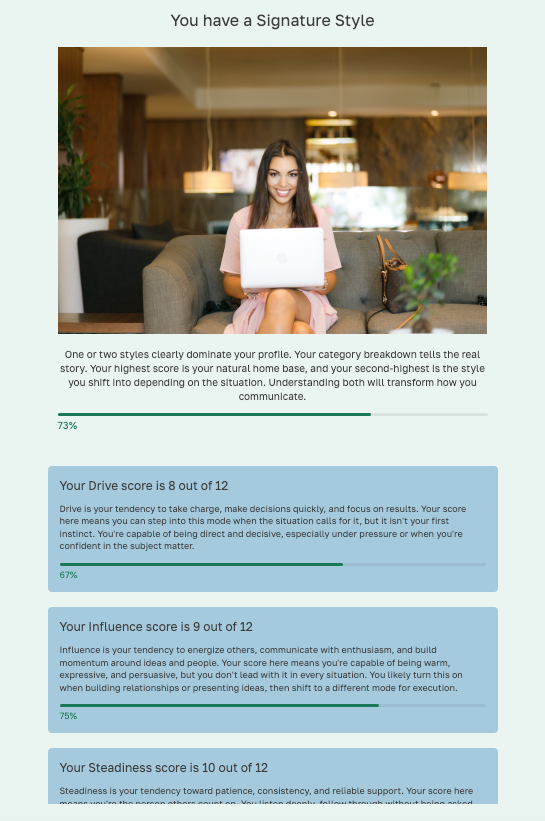
When someone finishes a Categories Quiz, they see their overall result first, something like “Capable with Gaps” or “Well-Rounded Owner,” with a description you write for that tier. Then, below that, they get a card for every category: their score in that area and the label you assigned to that score range.
The whole thing is auto-generated from the answers they gave. You write the labels, the descriptions, and the score ranges once, and the quiz assembles the personalized breakdown for every single person who takes it.
It feels like a customized report. It’s actually a quiz.
How to get started
We have multiple templates in the template gallery where you can start from. It’s a good way to see the structure before you build your own version.

If you want to build from scratch, the basic structure we recommend is:
- 4 to 6 categories, each representing a distinct area you’re measuring
- 2 questions per category (enough to get a real signal, not so many it feels like homework)
- 4 answer options per question, scored 4 down to 1
- 3 to 4 overall result tiers that cover the full score range
The full walkthrough is in our help doc, including the math on how to set your score ranges so no one falls through the gaps.
One more thing
We’ve been thinking a lot about what makes a quiz actually valuable, not just clicked, but useful to the person taking it. The categories format is the closest we’ve gotten to building something that delivers real insight, not just a fun label.
The quizzes that do best on Interact are the ones where the result makes someone think “how did it know that?” A well-built Categories Quiz can do that, because it’s not just guessing at one label. It’s measuring the whole person.