

Conversational forms are one of the most effective ways to generate leads from a website or social media audience. Instead of asking someone to hand over their email address before they get anything in return, a conversational form asks a few questions first, then gives the person an answer that is actually useful to them. Across all forms built with Interact, that structure converts visitors into leads 40% of the time.
This post covers why conversational forms work, the different types you can build, how we use one on our blog to generate our own leads, and the steps for building one with Interact.
Why Conversational Forms Work
A traditional form opens with a request: give us your name and email, and we will send you something in return. A conversational form opens with a question instead: what do you need help with? That single shift in framing changes how the person on the other end responds to it.
Someone who starts a conversational form is looking for an answer, not agreeing to a transaction. They answer a few questions about their situation, and the form uses those answers to point them toward a specific recommendation. Because they are already invested in getting that recommendation by the time the form asks for their email, opting in feels like a small step rather than a cost.
Types of Conversational Forms
Most conversational forms fall into one of five categories.
Diagnostic form: Asks a series of questions, assigns points to different possible problems based on the answers, and tells the person what their issue likely is.
Assessment form: Has the person answer a set of questions, then reports back their current status in a given area.
Preference based form: Asks the person to state what they want or prefer, then recommends a path based on those preferences.
Product match form: Asks a set of questions, then matches the person to the product or products best suited to their answers.
Conditional logic form: Uses branching, flow chart style logic to route people to more specific and accurate recommendations based on their answers at each step.
How We Use a Conversational Form on Our Own Blog
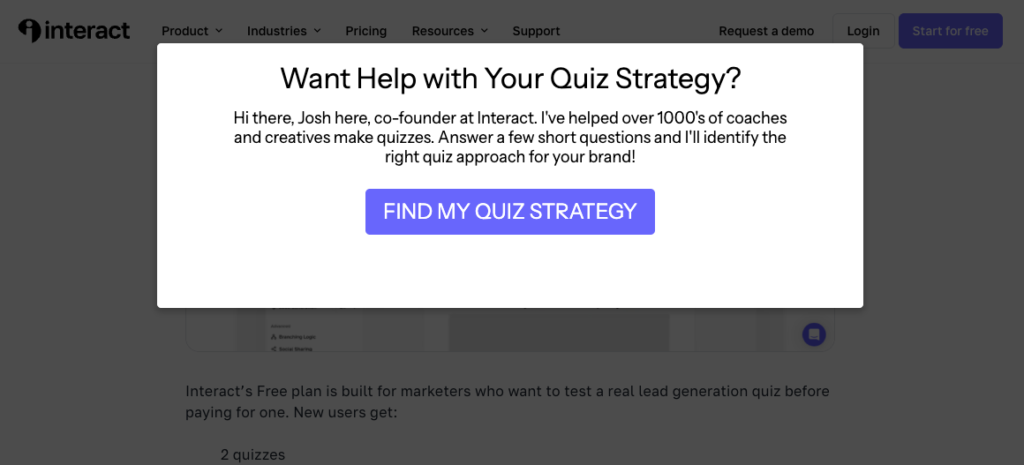
We run a conversational form as a popup on our blog, and it is built with Interact the same way we would build one for any customer. The popup opens with a short intro from our co-founder Josh Haynam, asking readers if they want help figuring out the right quiz strategy for their business, with a single button to start.
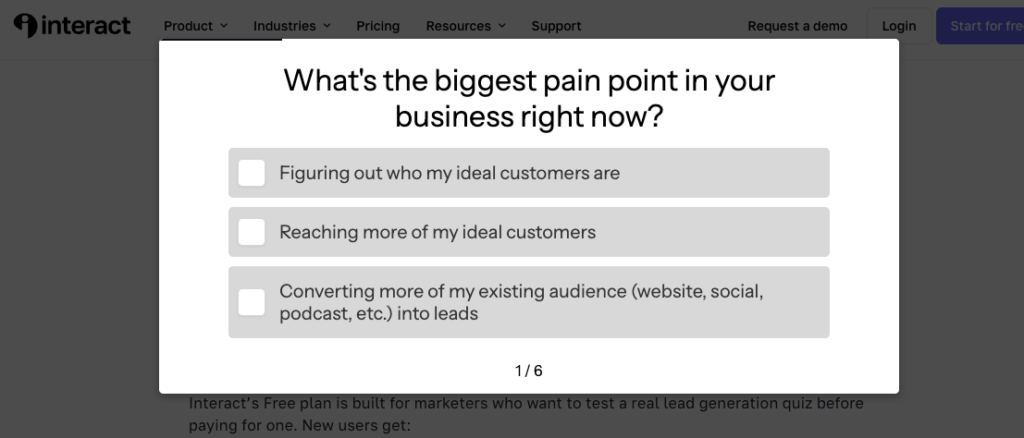
From there, the form asks a small number of questions. The first one is direct: what’s the biggest pain point in your business right now? Readers choose from options like figuring out who their ideal customers are, reaching more of those customers, converting an existing audience into email subscribers, or converting website visitors into leads and sales.
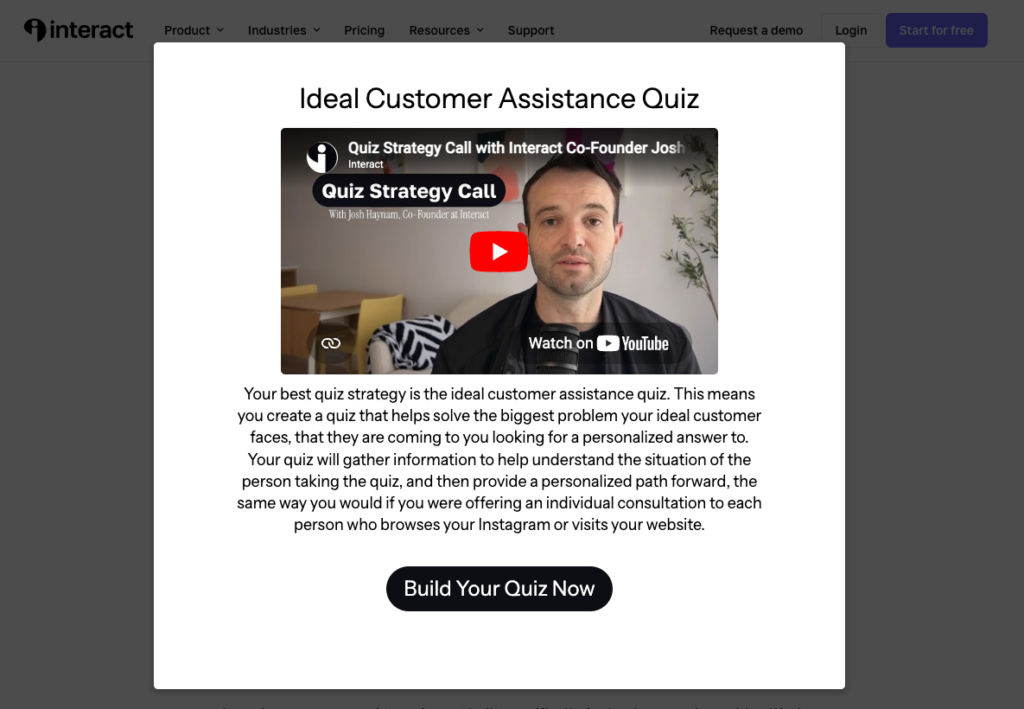
Based on how someone answers, the form recommends one of several quiz strategies and explains why that strategy fits their situation. Readers who land on the “ideal customer assistance quiz” outcome, for example, see a short video from Josh explaining what that quiz strategy is and how it works, along with a written explanation and a button to start building.
The analytics behind this form show why the conversational structure holds up. Over a recent 30 day period, the first question was viewed 61 times and answered 39 times, a 63.9% answer rate. The second question, which asks what kind of business the reader owns or works for, was answered by 36 of the 39 people who reached it, a 92.3% answer rate. People who start this form tend to finish it.
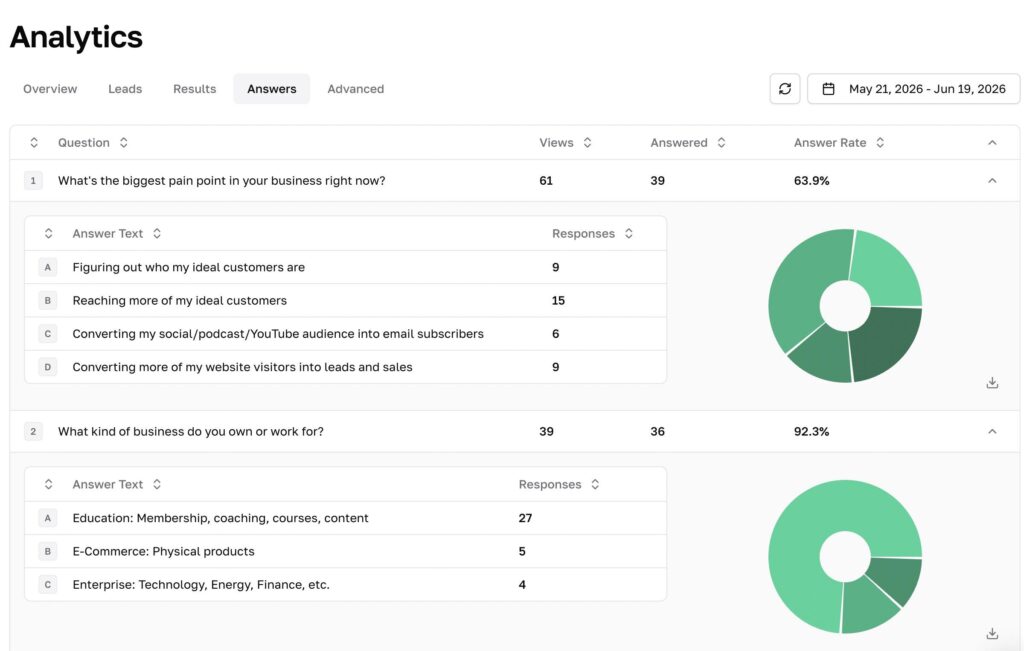
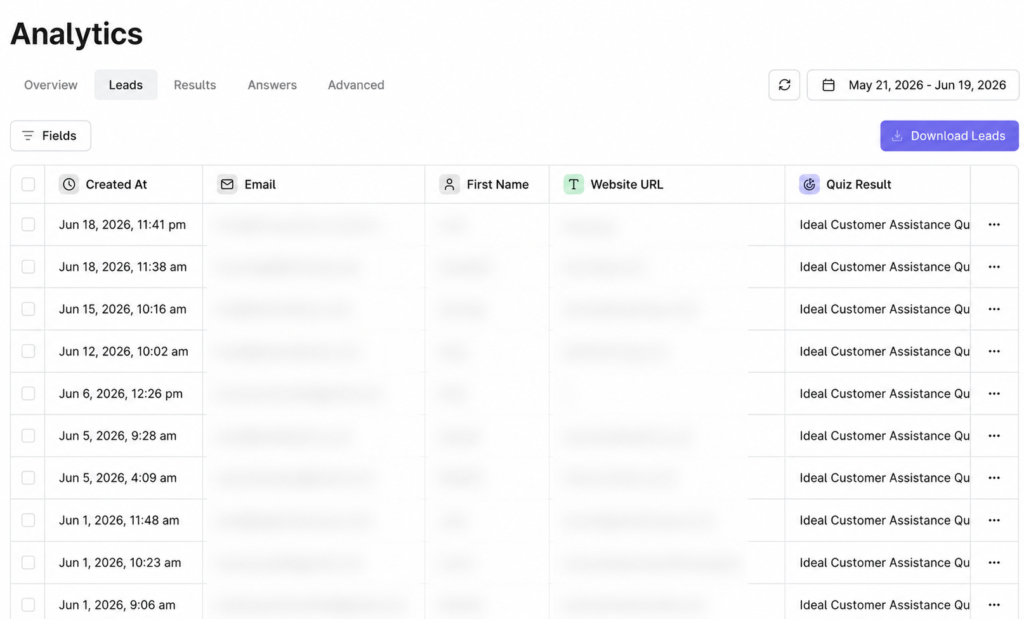
The lead data tells a similar story. Everyone who completes the form and opts in shows up with their email, first name, website, and quiz result attached, which lets us see not just that someone converted, but what kind of business they run and what problem brought them to the form in the first place. Most of the leads captured through this form during that period came from education based businesses such as coaching, courses, and membership sites, with smaller numbers from e-commerce and enterprise.
How to Build a Conversational Form With Interact
Interact is built for creating conversational forms with a simple interface, direct integrations to email marketing and marketing automation platforms, and analytics that show how each question and outcome is performing. Inside Interact, the word “quiz” and “form” mean the same thing, since both function the same way in the system.

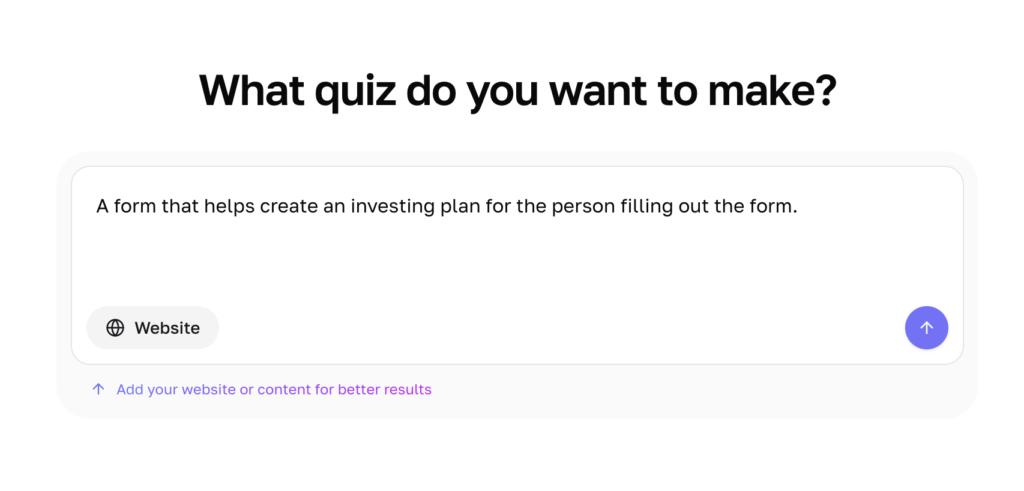
The fastest way to build one is with Interact’s AI form builder, which reads a given website, suggests the form type most likely to generate leads for that business, and builds the full form automatically. Everything it generates can still be edited afterward, including the title, cover copy, questions, and answer choices.
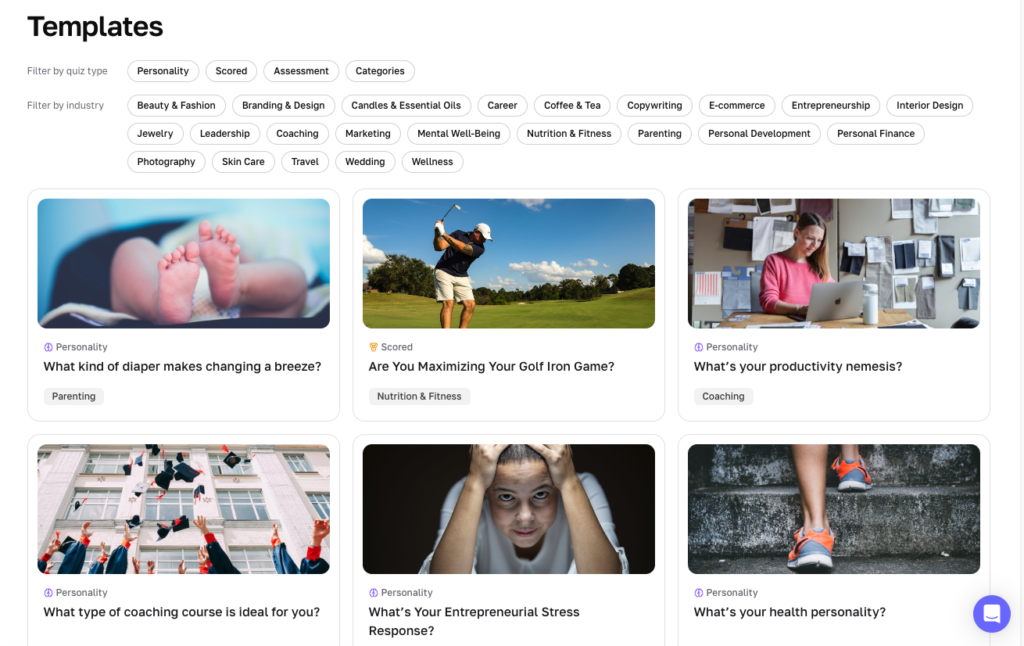
Pre-made templates are also available, built from Interact’s own research into which questions and formats perform best within each industry. Once a form type is chosen, the questions can be customized to collect the exact information needed, whether that’s identifying a problem, matching someone to a product, or gathering preferences.
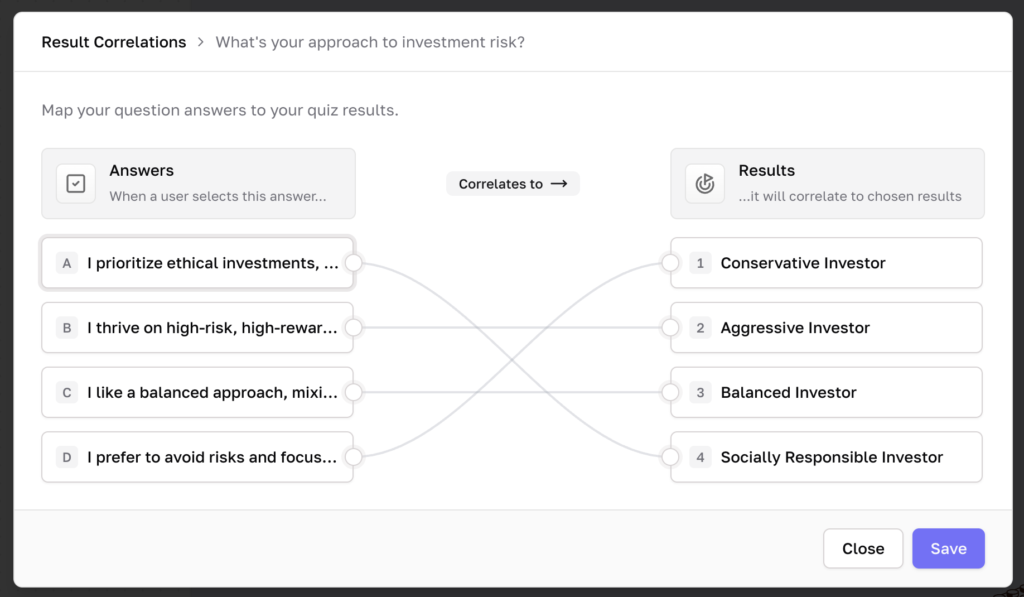
The scoring system works by assigning each answer choice to one or more possible outcomes. Whichever outcome accumulates the most matches based on someone’s answers is the one they see at the end. Outcomes can be fully customized so each result actually addresses the reason someone started the form in the first place.
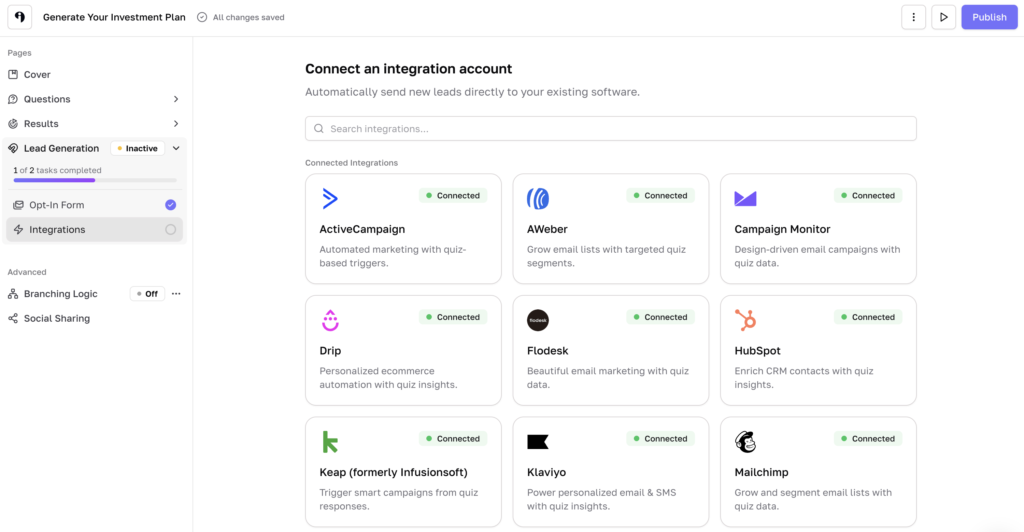
From there, the form connects directly to email marketing platforms including Flodesk, Kit, HubSpot, ActiveCampaign, and Klaviyo. Custom fields can be added to collect information beyond the basics, and Interact stacks that data collection toward the end of the form, after someone has already answered the more conversational questions and is curious about their result.
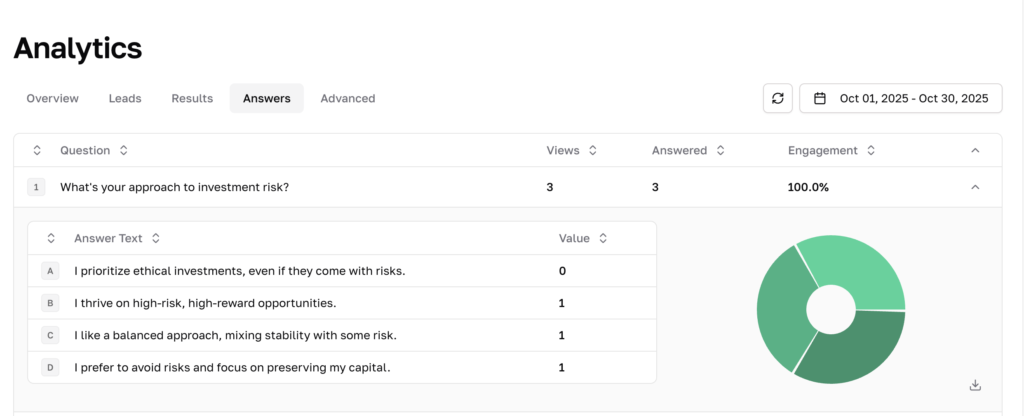
Once a form is live, it can be embedded directly into a website to match the site’s branding, or shared as a standalone link. Analytics update in real time, showing view and answer rates for each question along with the full lead record for everyone who completes the form, which can be exported as a CSV at any time.
Interact has been used to build conversational forms since 2013, and forms built on the platform have generated more than 100 million leads. The form running on this blog right now is one small example of what that looks like in practice.